10+ campaign images, one creative direction
Start with a brief or a CSV of image prompts. Choose your brand references and generate a campaign of up to 20 images.
CSV import
Your image prompts, ready to generate
Import a CSV with one image prompt per row and an optional caption. Review the prompts before creating your campaign, then generate when you are ready.
- ✓Prompt and optional caption columns
- ✓Preview every row before generating
- ✓Up to 20 images in a campaign
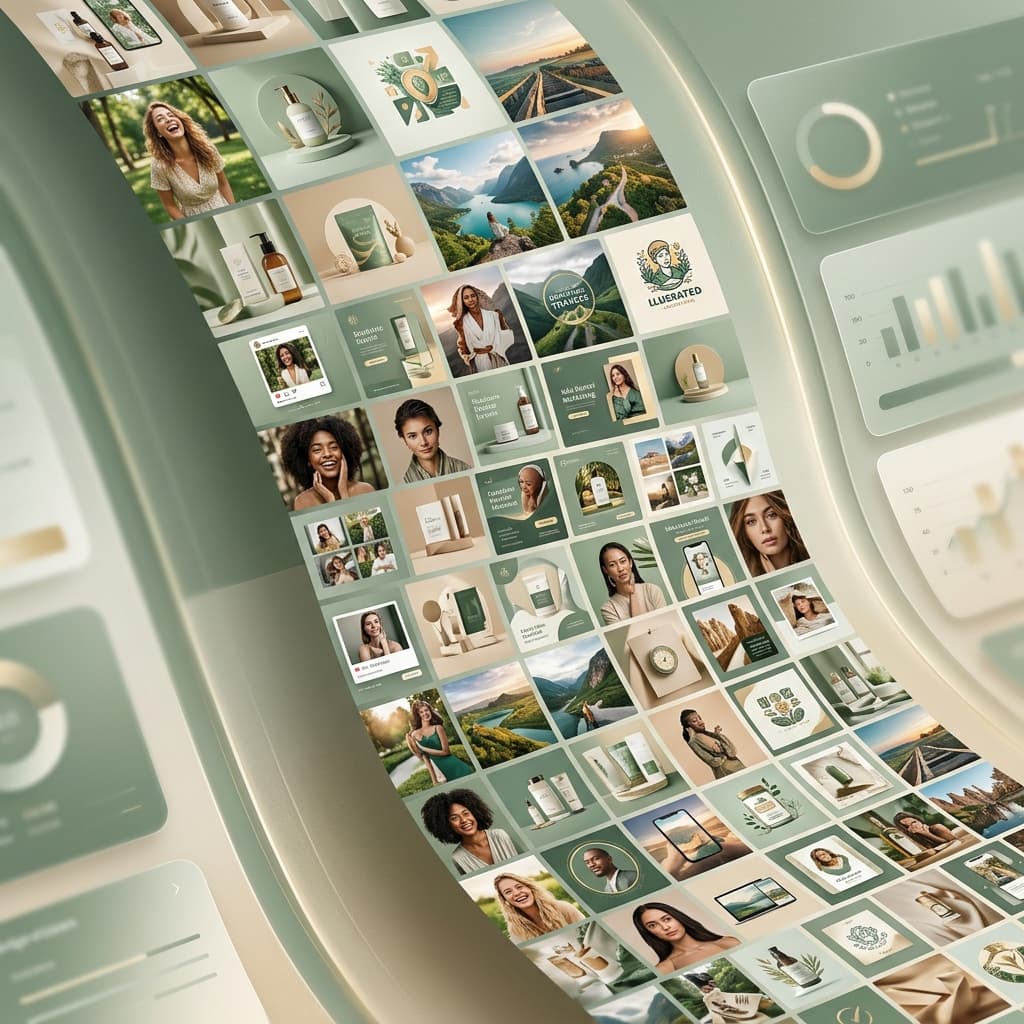
Brand guidance
One campaign, a shared visual direction
Choose your brand assets, references, and image format. Use them to guide a batch of campaign visuals, with individual prompts for each image.
- ✓Saved brand assets and style references
- ✓A selected format for your campaign
- ✓Generate 10+ images from one brief
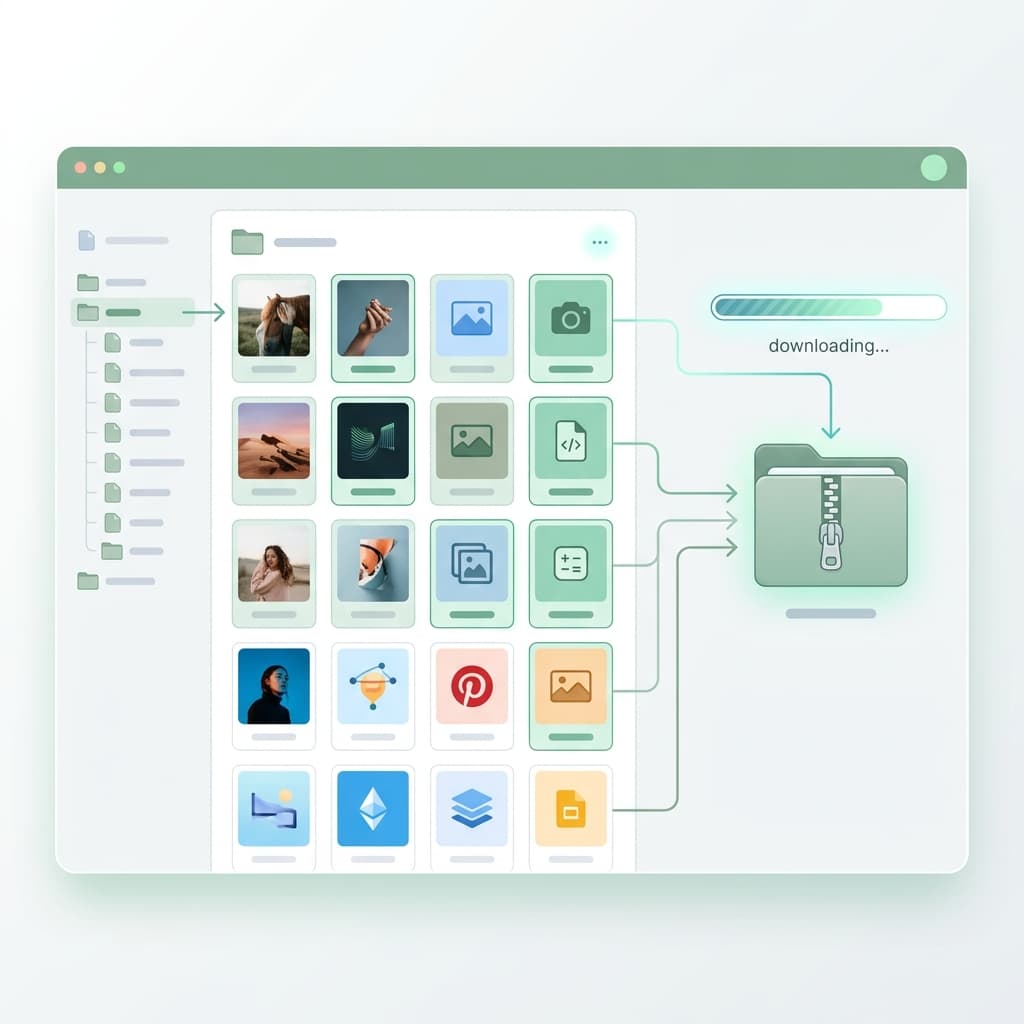
Refine and export
Take your favorite images further
Review the batch, refine individual images, and export the results for your design and publishing tools. Your imported prompts stay with the campaign for another pass.
- ✓Saved campaigns and imported prompts
- ✓Individual image edits
- ✓PNG, JPG, and WebP image exports
10+
Images per batch
CSV
Bring your own image prompts
4
Image aspect ratios
Scale your image production
Stop producing images one at a time. Start generating at scale with Pixy.