
Start with the idea, not a blank canvas.
Describe the post, product scene, ad concept, or campaign mood in plain language. Pixy turns the brief into image directions you can actually build on.
Use Cases
Social MediaCreate scroll-stopping social visualsAd CreativeOn-brand ads across every channelProduct ImageryStudio-quality product shots, instantly
Create social posts, campaign visuals, and product scenes with AI. Bring your brief and use your brand assets or reference images to guide the result, then refine the image until it feels ready to use.
Describe the post, product scene, ad concept, or campaign mood in plain language. Pixy turns the brief into image directions you can actually build on.
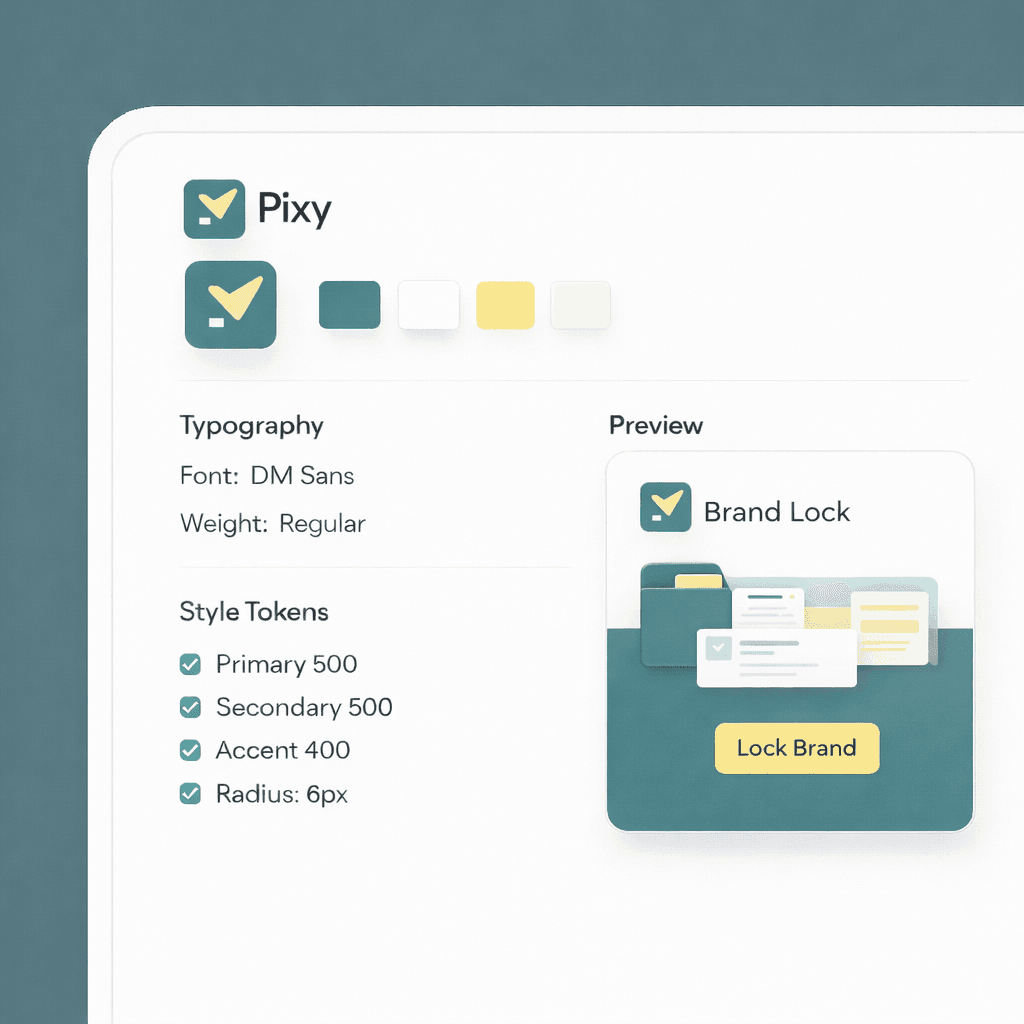
Pixy analyzes your brand DNA: colors, fonts, logos, imagery, and visual style. Review what it finds, then use those assets and reference images to guide your generations.
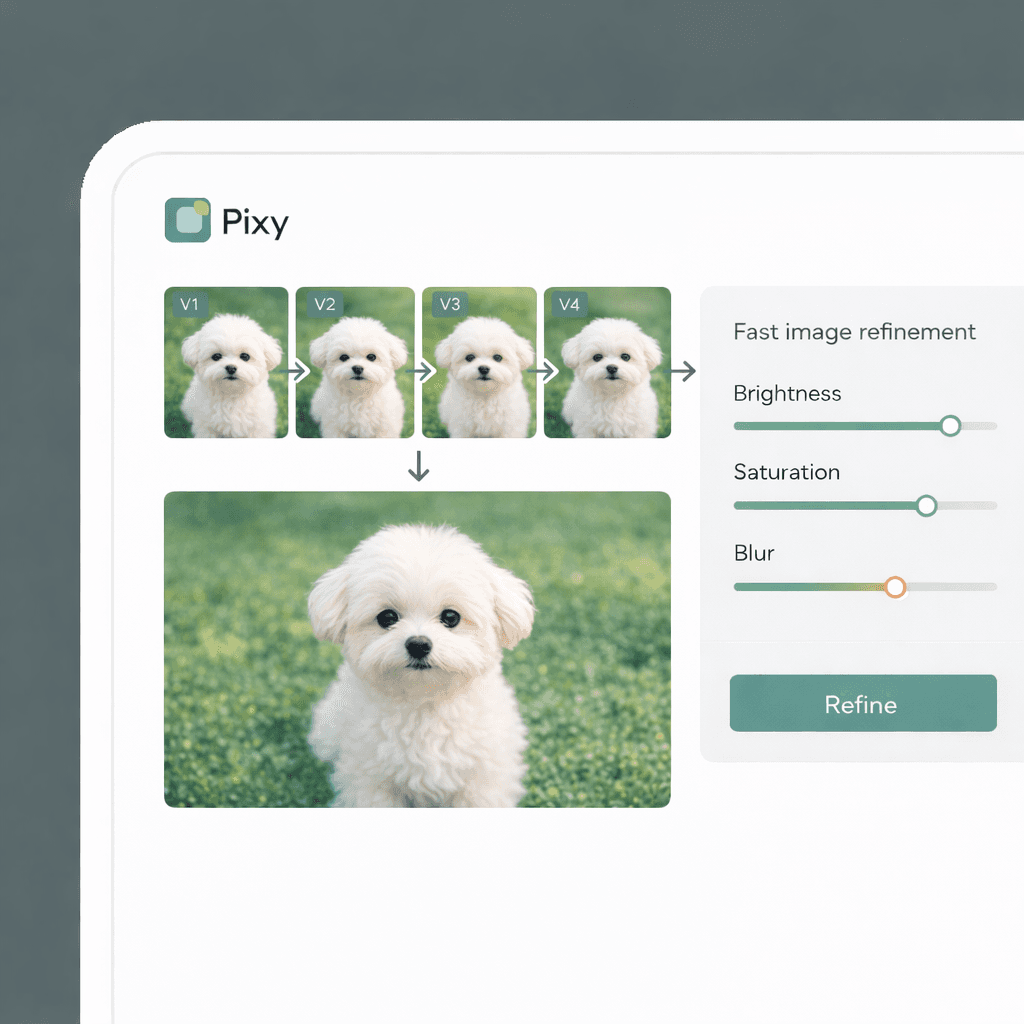
Ask for a cleaner backdrop, a tighter crop, a new season, or a different format. Each pass keeps the idea moving instead of sending you back to step one.

“Bring the rough idea. Use your brand assets to explore image directions, compare the results, and refine the one you want to publish.”

Pixy workflow
Brief, generate, refine, export
01
One place for the brief, style rules, and image direction
02
Refinements that build on the idea instead of resetting it
Start with your brand DNA, choose a format, and describe your idea. Pixy uses your selected assets and references to guide new images, with saved edits you can revisit as the direction takes shape.
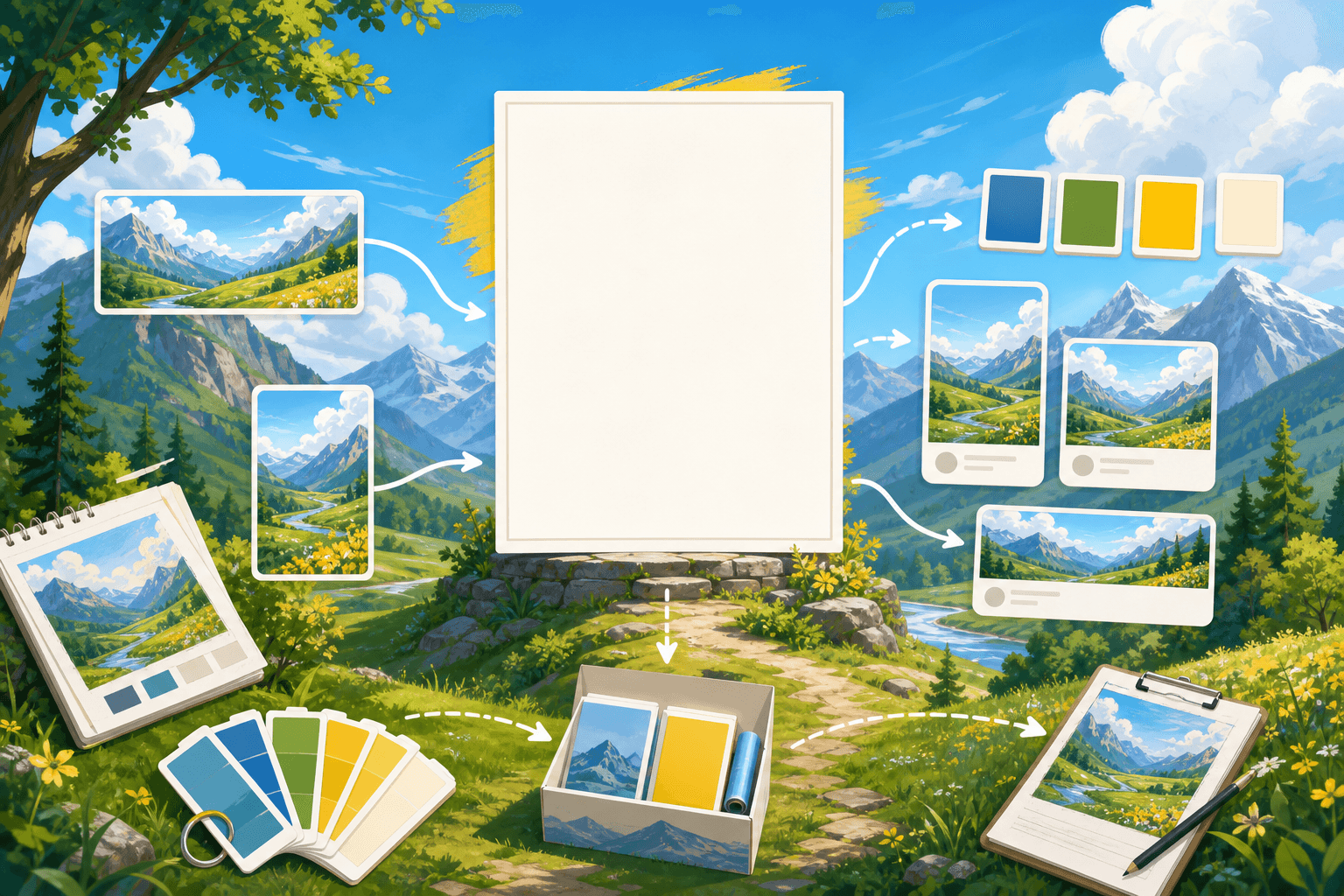
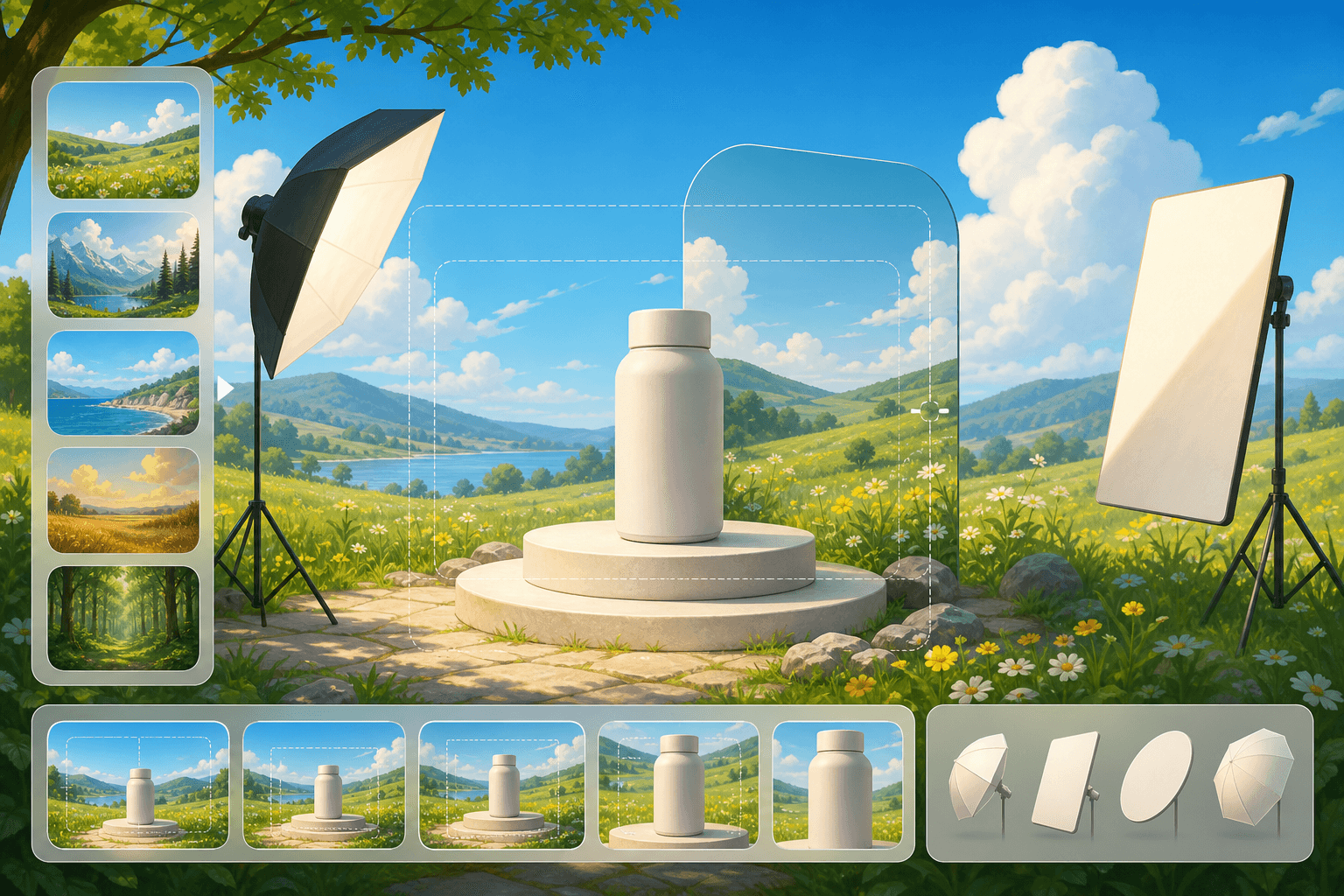



Explore different image directions using your brand assets and references. Describe a change, compare versions, and keep building on the result you like.


Your product imagery, brand rules, launch ideas, and campaign drafts deserve a careful workflow. Pixy is being built around controlled workspaces, clear ownership, and practical review paths.
Use Pixy to shape the image direction, then carry the strongest outputs into the design, marketing, and publishing tools your team already relies on.